Create your own Brand
Five days. One mascot, one logo, code-generated art, an animated intro, and a finished short video, all made by your attendee, all theirs to keep and keep building on.
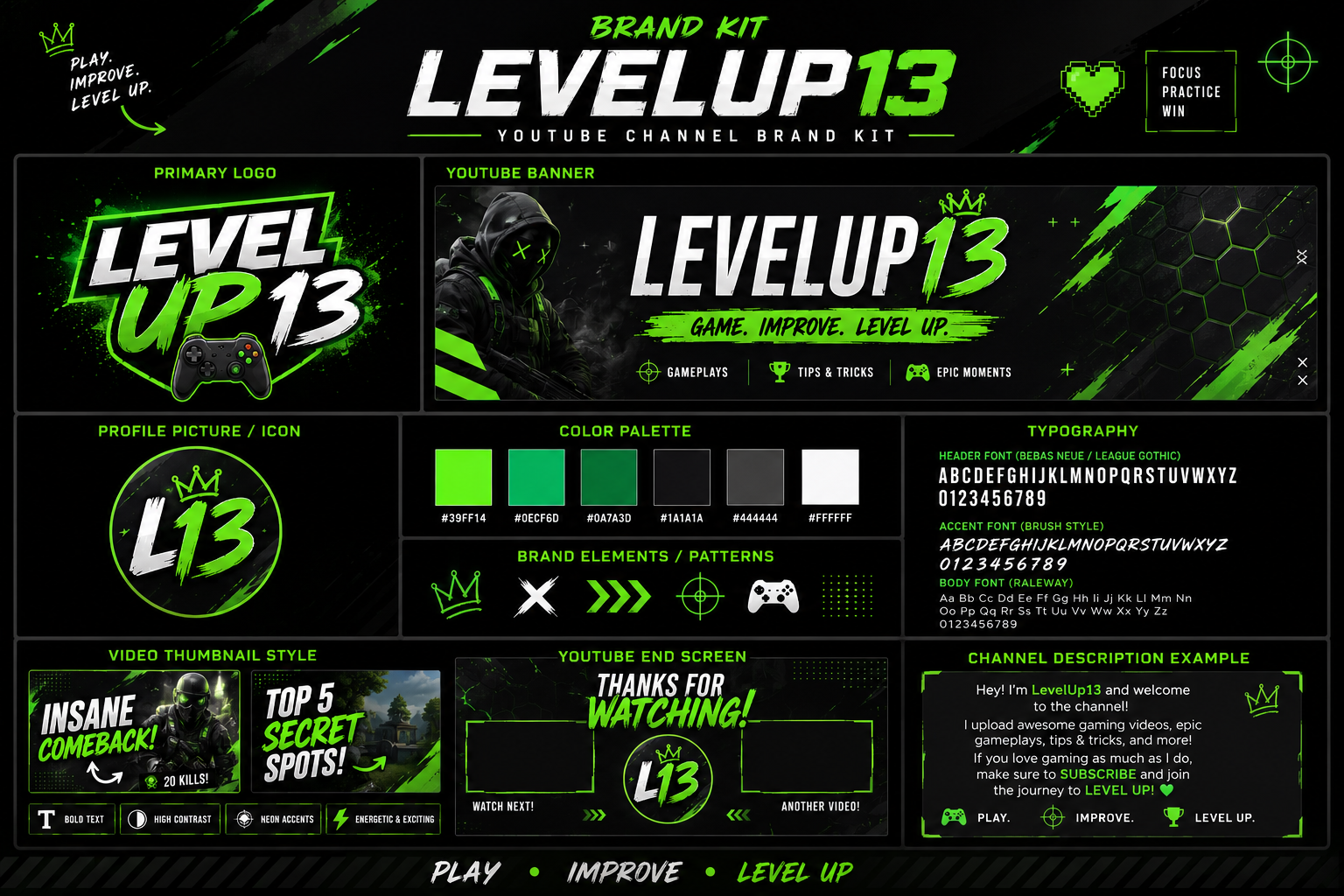
Online Shadow Box
Five days of building, not watching. Every piece below will be added to the attendee's Online Shadow Box, ready to post.
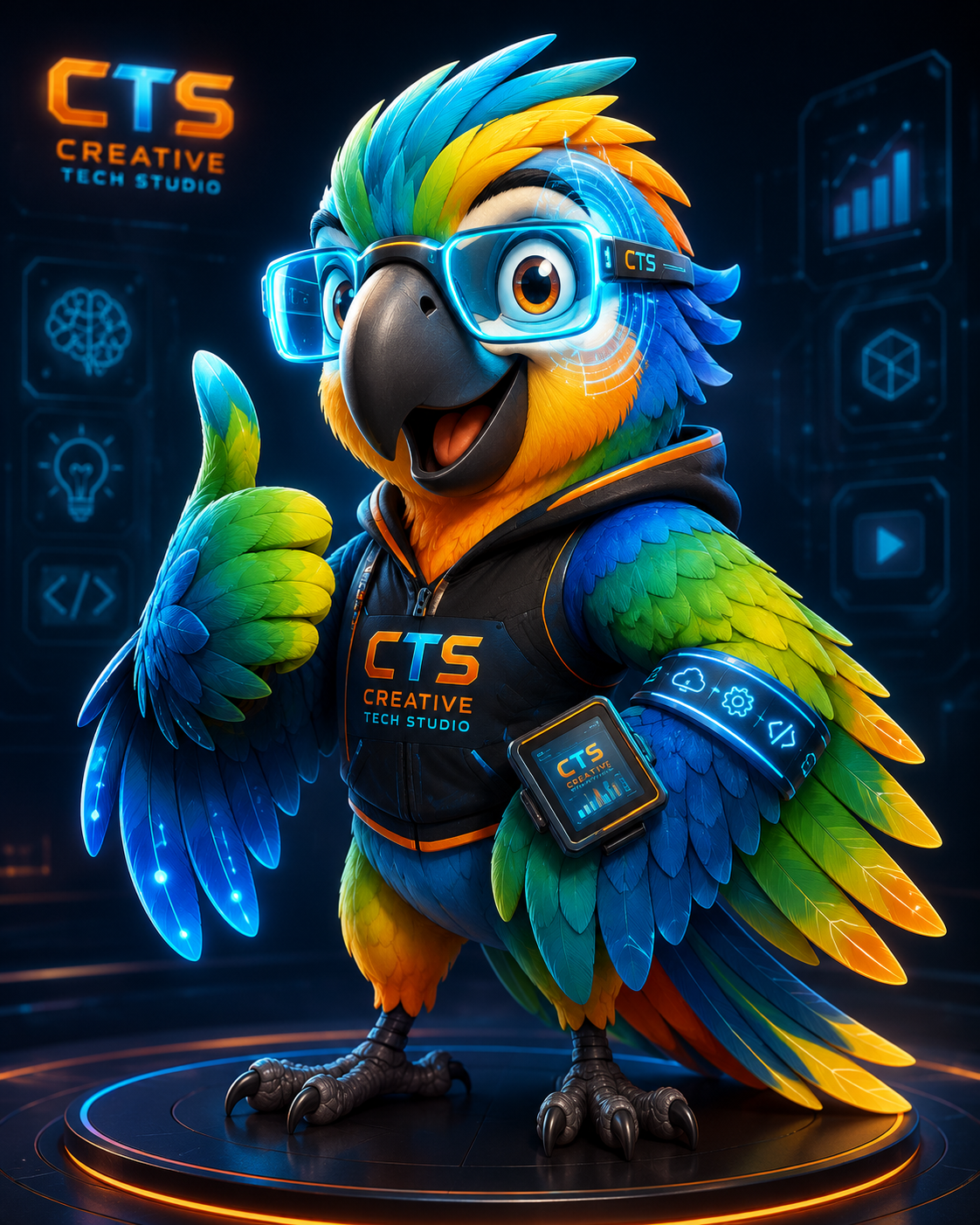
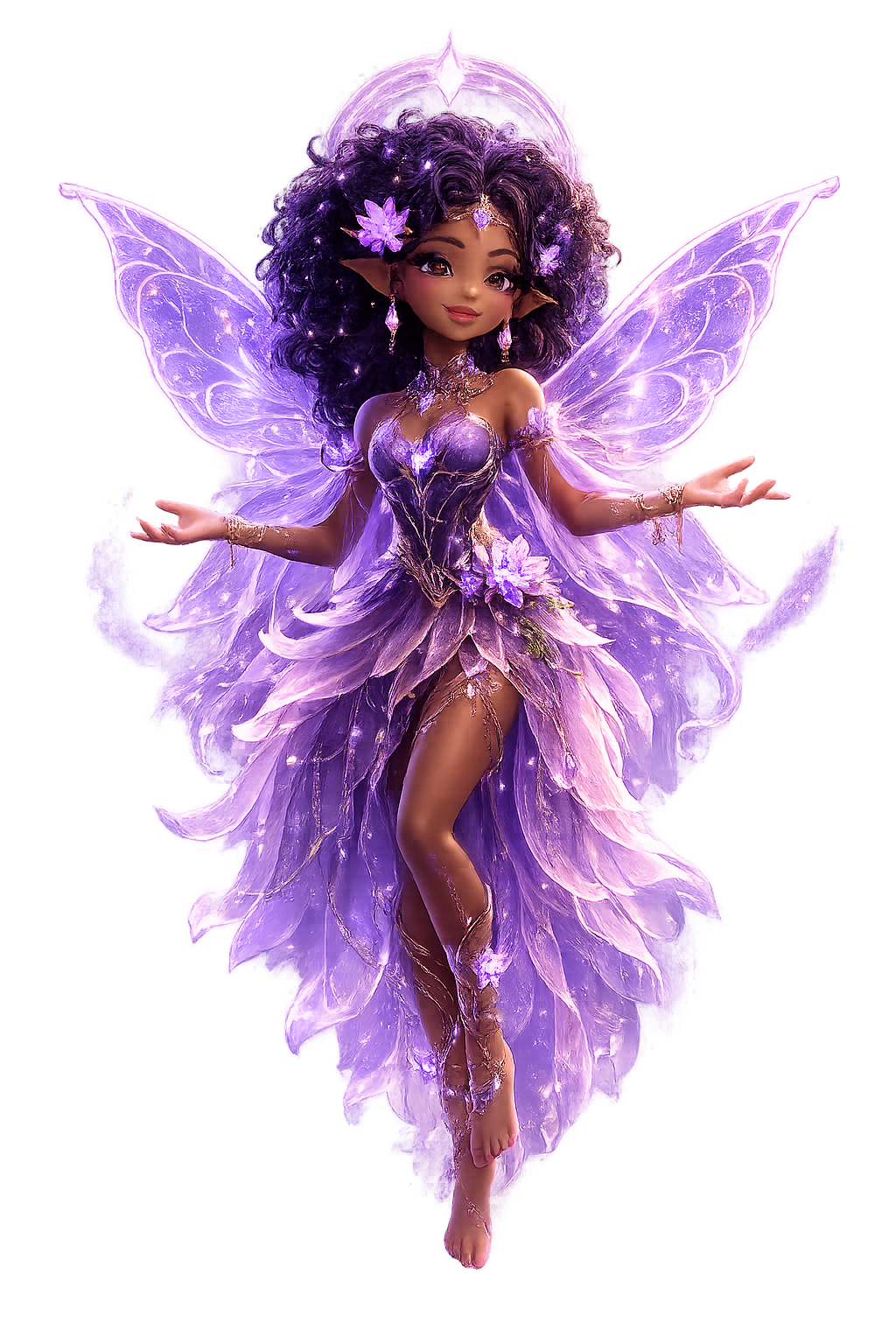
Custom mascot + logo
Attendees design a character and mark that becomes the face of their channel, sketched, refined, and turned into a real logo file they can drop anywhere.
 ✦
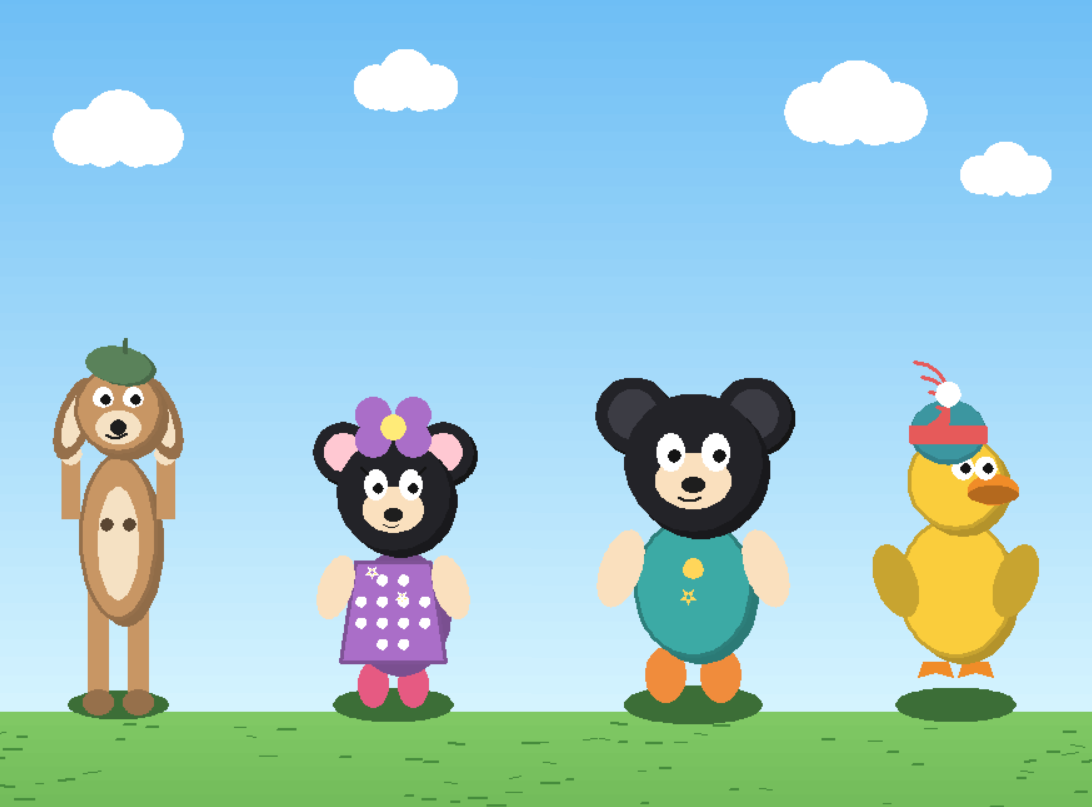
✦Code-generated art
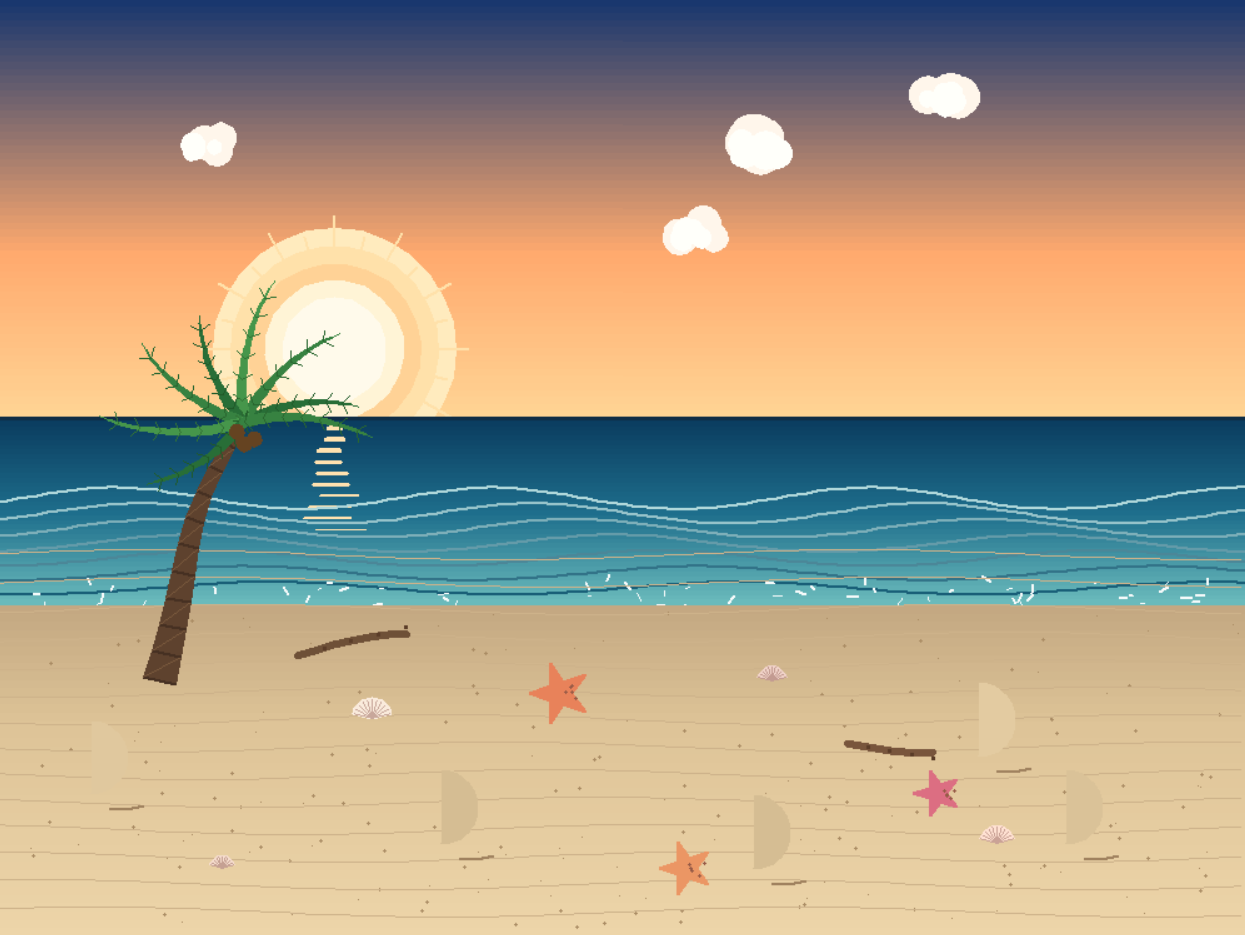
Real code, written by them, that draws patterns and visuals for their brand, their first taste of programming as a creative tool.
Hands-on codingAnimated intro
A short, code-driven intro animation to open every future video.
Creative codingEdited short video
A finished, edited video using everything they built this week.
Video productionFull YouTube brand kit
Logo, mascot, color palette, banner, and thumbnails, one consistent look, ready to launch a channel with.
Brand identityA portfolio to keep building
Every file, saved and organized, so the channel doesn’t stop when the workshop ends, it’s day one of something ongoing.
Keeps going after the workshopCreative Possibilities
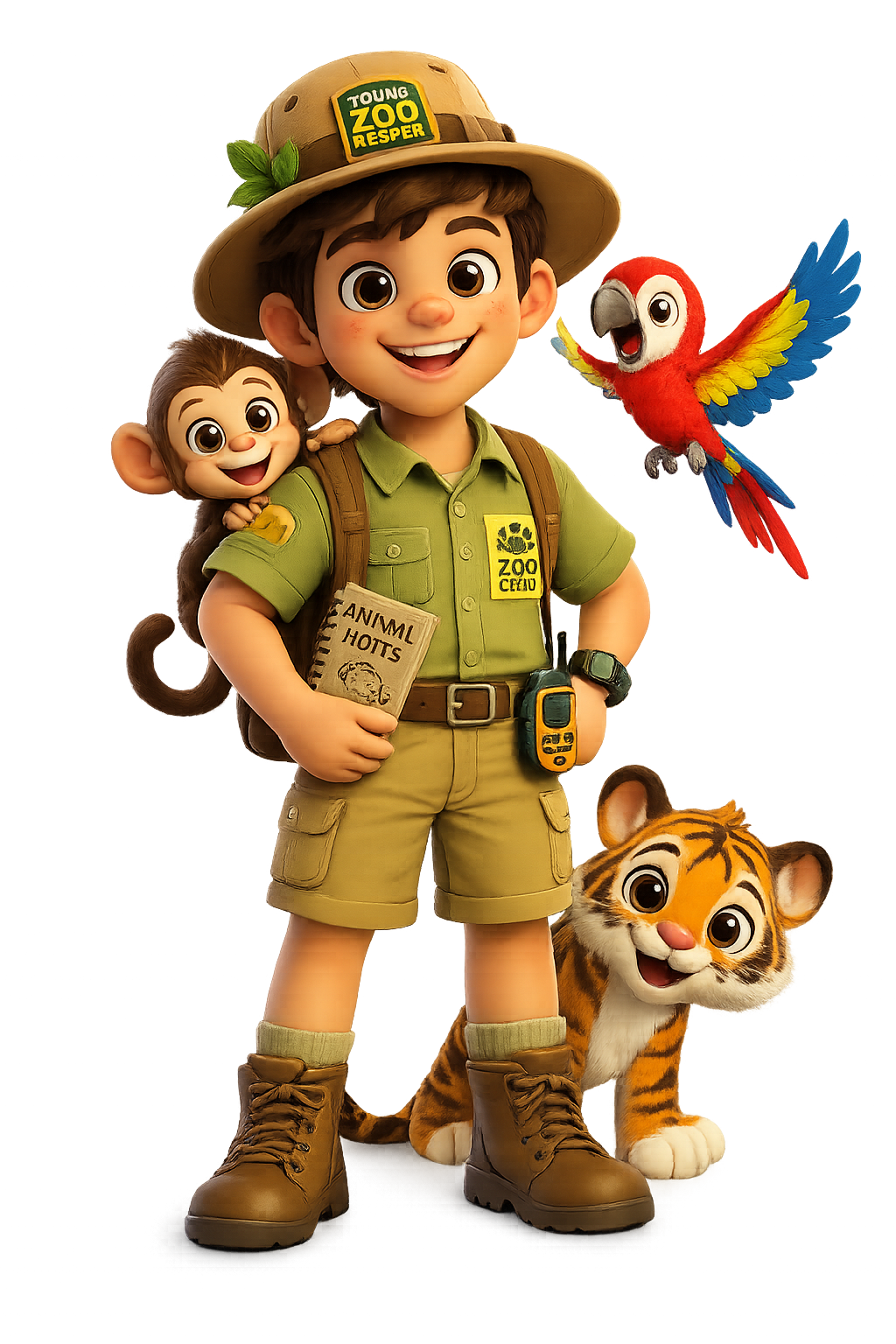
A peek at the kind of work attendees can make and keep
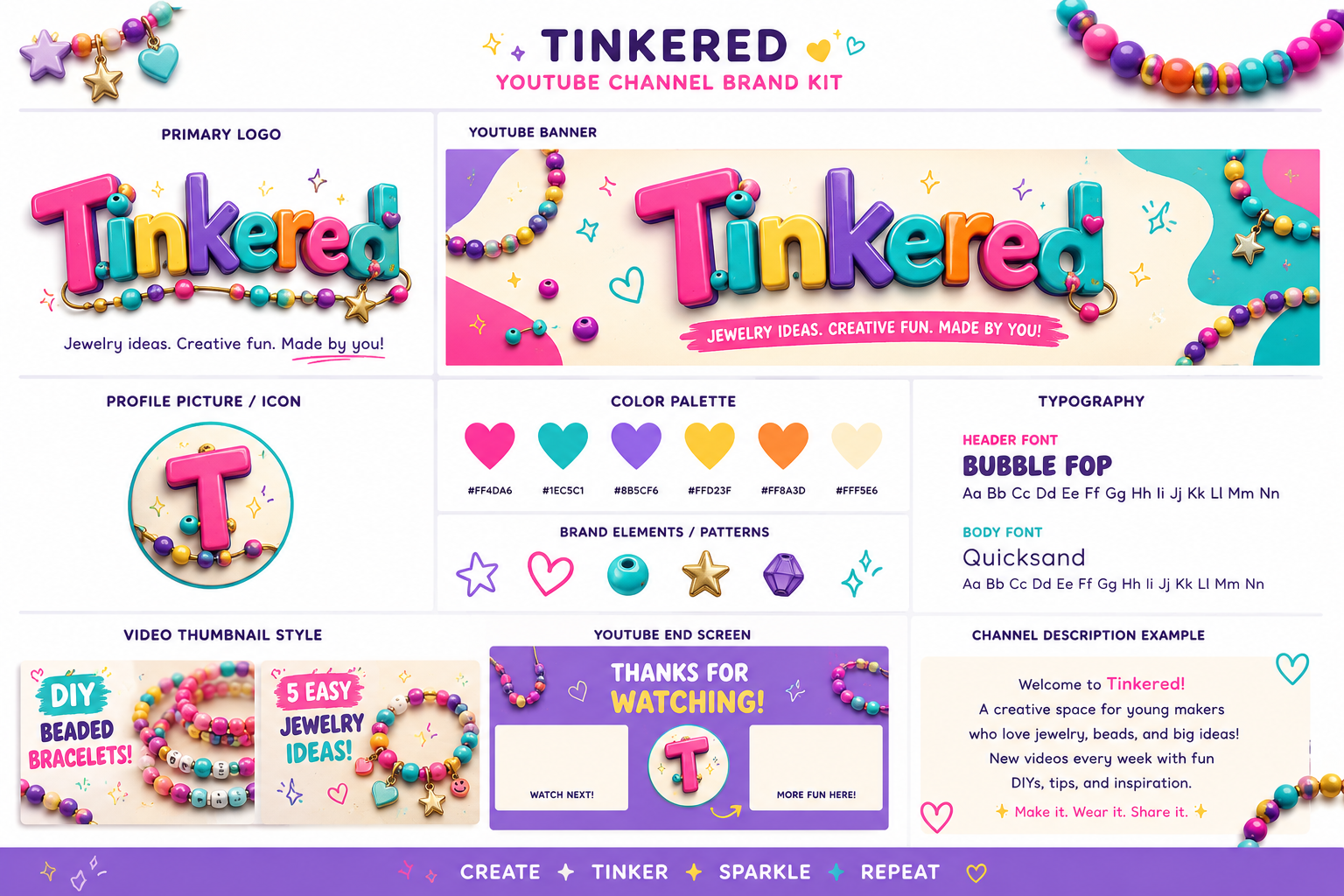
From blank page to “I created a brand!”
Each day builds directly on the last, so by the last day every piece clicks together into one finished kit.
Identity
Kids invent their own original brand from scratch a name, a color palette, and a personality that's entirely theirs. In the AI session they explore mascot and logo ideas using AI image tools, then in the coding session they build a simple webpage that brings that identity to life on screen for the first time.
Mascot
Kids take their favorite character concept from Day 1 and turn it into a fully realized mascot with multiple poses and expressions using AI. Then they use code to make that mascot interactive by clicking, moving, or reacting, giving it a spark of life beyond a static image.
Animation
Kids storyboard a short intro sequence and generate the key visual frames with AI, planning out how their logo and mascot will appear. In the coding session, they build that sequence for real, coding the timing and motion so their logo reveals itself and their mascot makes its entrance.
Produce it
Attendees film, edit, and assemble everything into one finished short video, ready to share.
Publish It
Kids do a final creative polish pass on all their assets, refining art and adding any last visual touches. Then they use code to pull everything together into one finished, shareable page that shows off their entire brand identity, mascot, art, and animation all in one place.
Screen time that builds real skills
Five days to find out if this is their thing.
Kids build real projects AI art, animations, and videos using the same tools that power the internet they already love. It's live, fully online, and small enough that every kid gets attention. No experience needed. The goal isn't to make them coders; it's to show them what's possible and see if it clicks.
- Live virtual indiviual or small group sessions with real instructor attention
- Age-appropriate tools and supervised, guided AI use
- Real skills in coding, design, and video production
- Attendees leave with a finished kit, not just a certificate
Questions parents ask
Do the dates work with our schedule?+
Does my attendee need coding or design experience?+
What do they need to join?+
What if my kids are different ages?+
Be first to know when event goes live
Tell us about your attendee(s) and when you’re free. We’ll build the schedule around interested families and notify you the moment dates are confirmed.